Free tools · free AI images every day · no sign-up
Your Face. Your Style.Your Perfect PFP.
Turn your photos into stunning anime portraits, gaming avatars, professional headshots, and creative profile pictures. Create your identity with one powerful AI studio.
Your photo opens in the free editor and never leaves your browser. Want an anime or cartoon version instead? Try the AI generator.
Create • Customize • Download
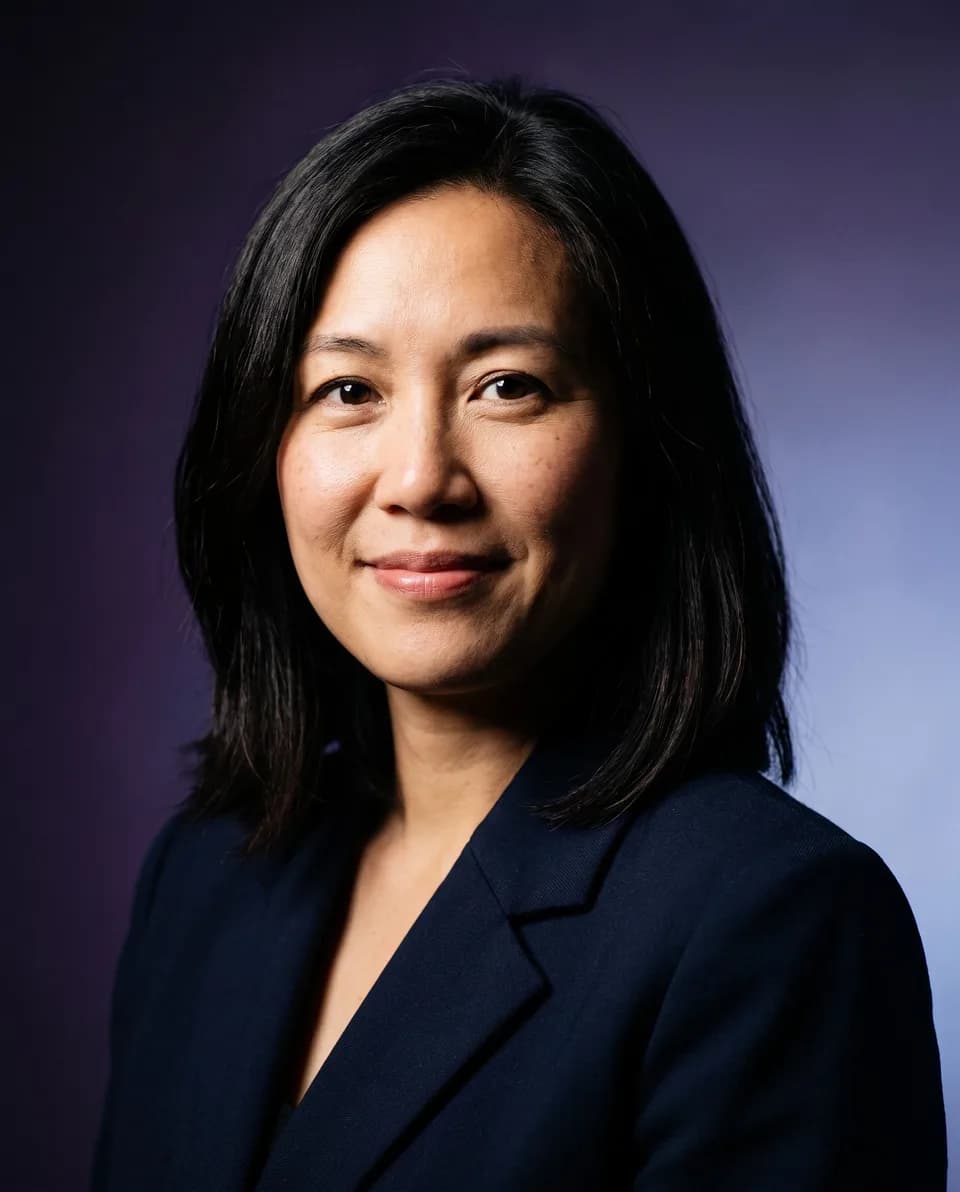
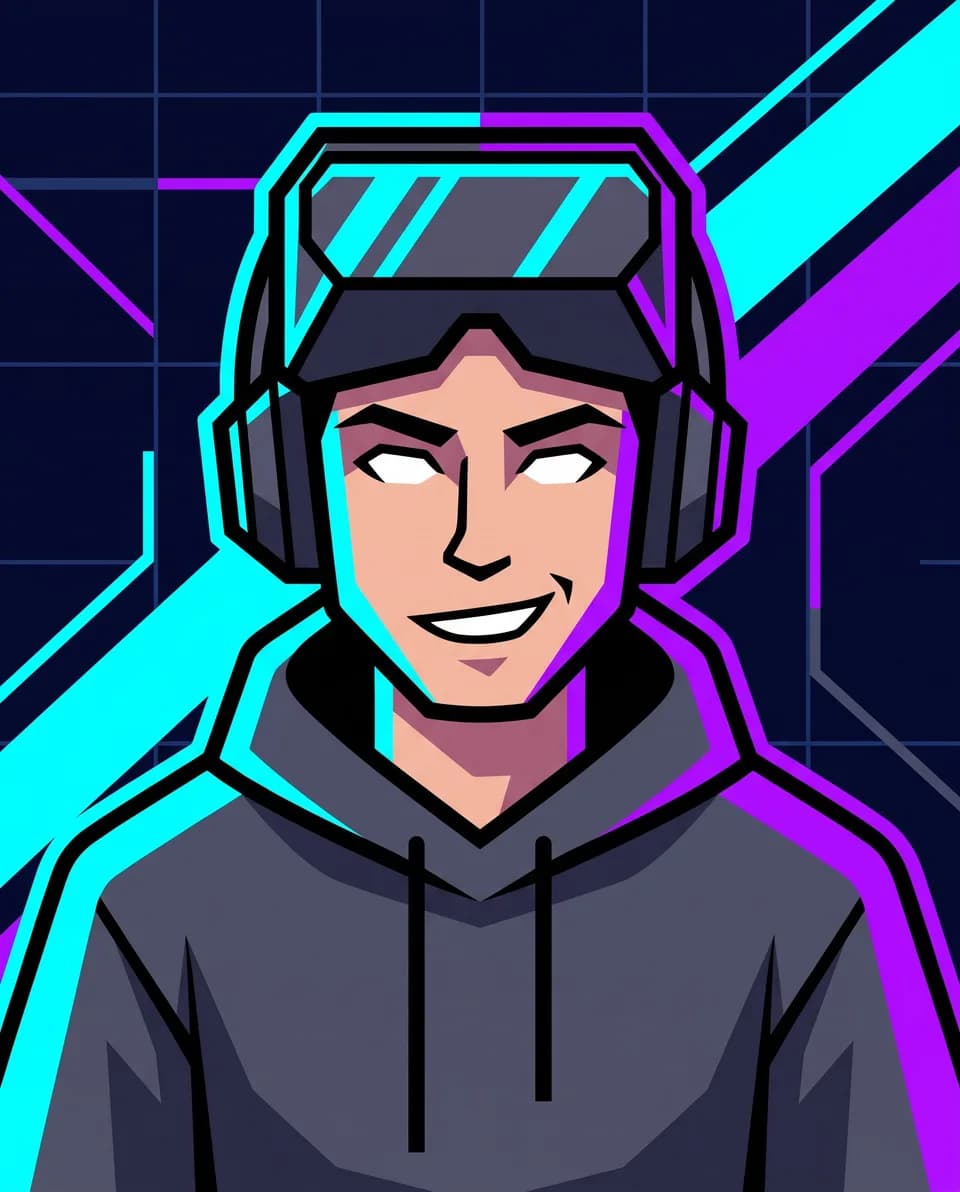
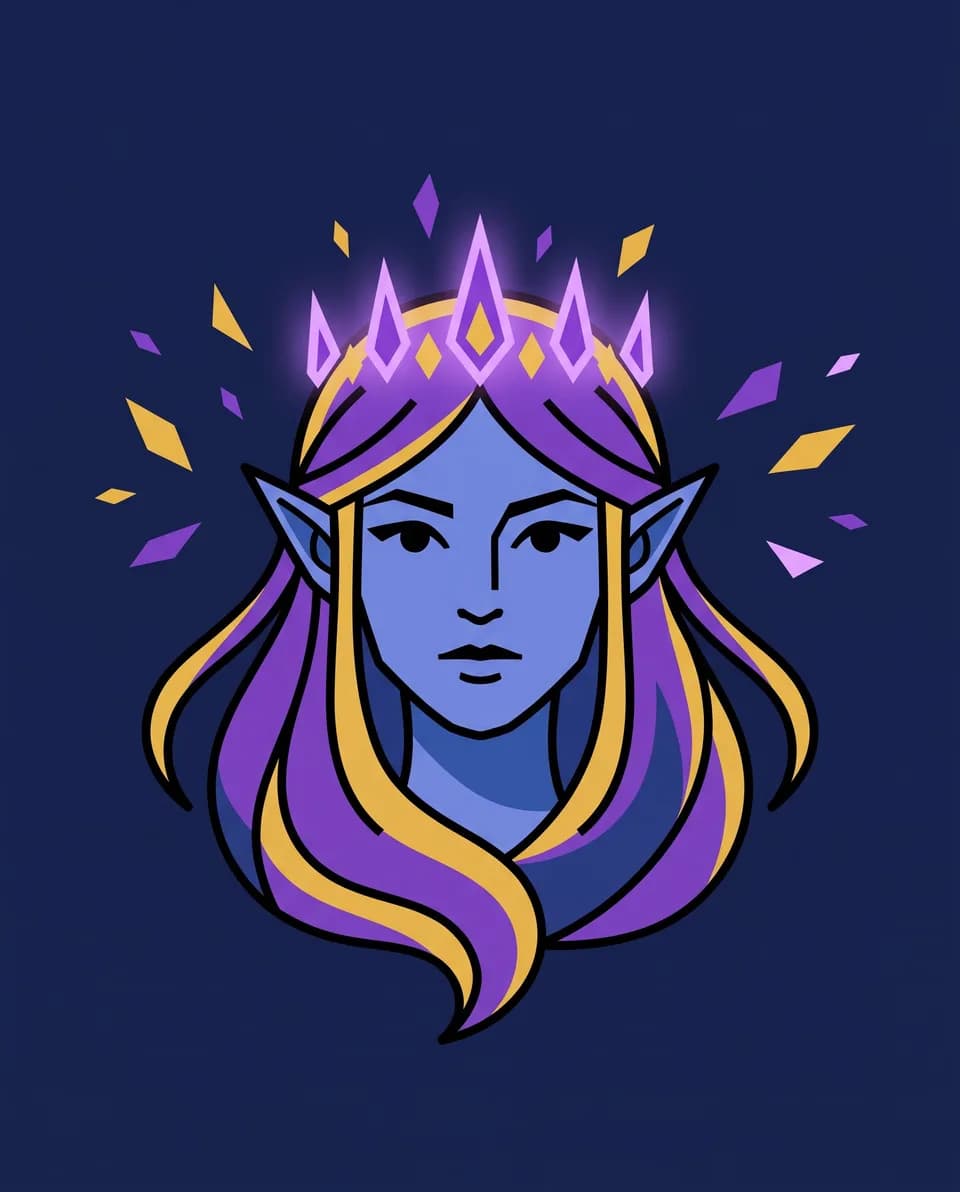
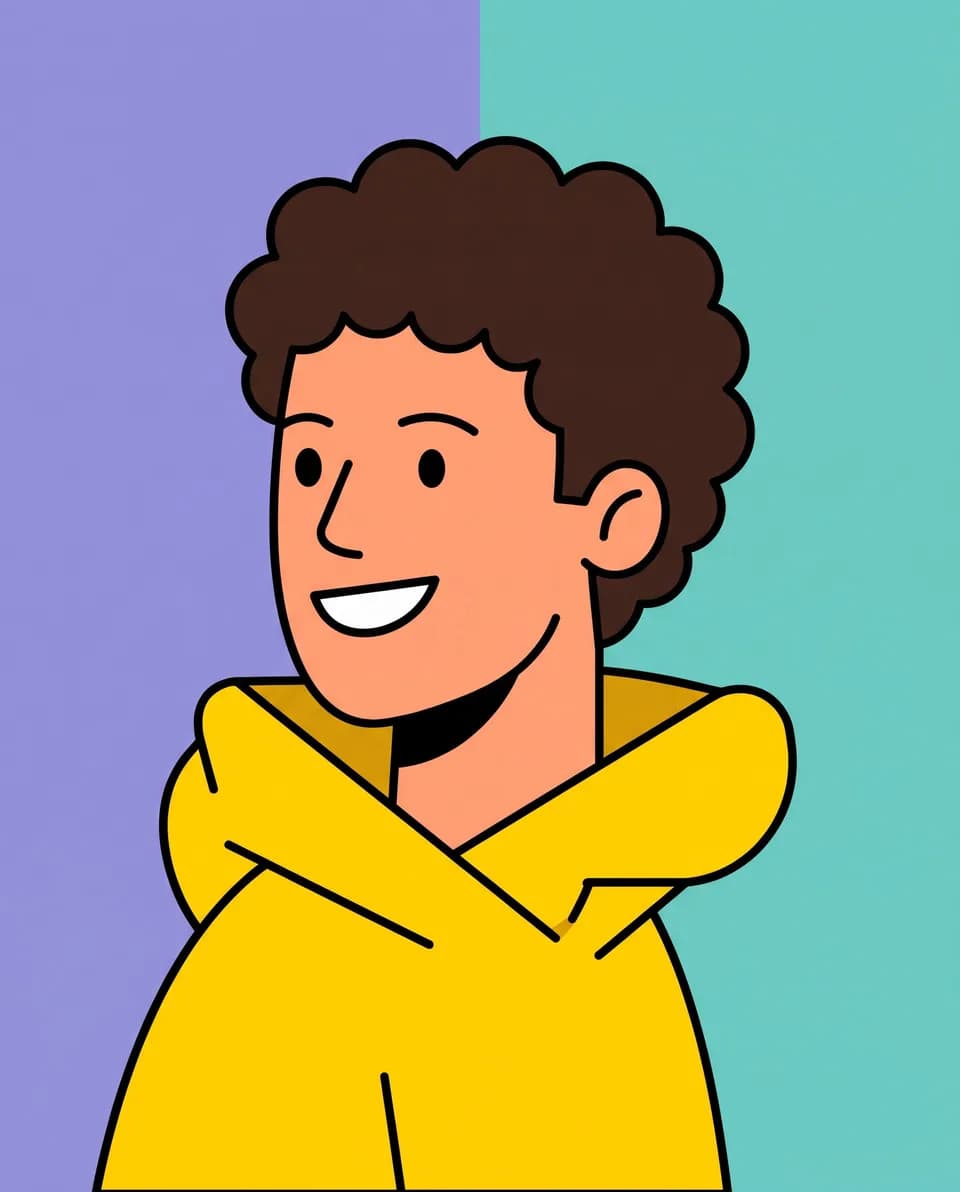
Popular tools
Everything You Need to Create Your Perfect PFP
Free browser tools and AI style generators. No account needed.
How it works
Your Perfect Profile Picture in Three Simple Steps
- 1
Upload your photo
Drop in a clear, front-facing photo. JPG, PNG or WebP up to 10 MB.
- 2
Edit it your way
Crop and polish it in the free editor, or let AI redraw it as anime, cartoon, 3D and more.
- 3
Download
Export a PNG, JPG or WebP at the size Discord, Instagram, Twitch and others need.
Explore creative styles
Find the Look That Feels Like You
Sample portraits for twelve styles. Try any of them on your own photo in the AI generator. Filter by category.
Free downloads
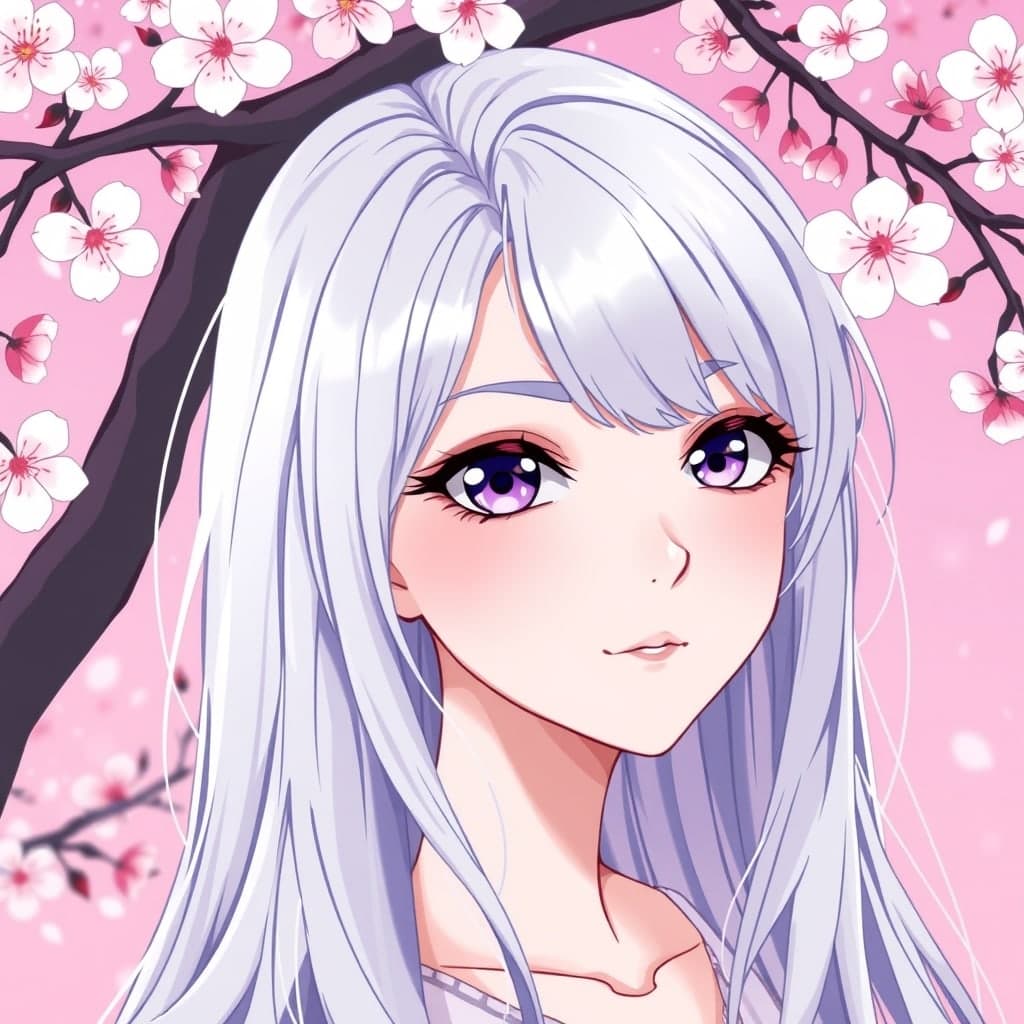
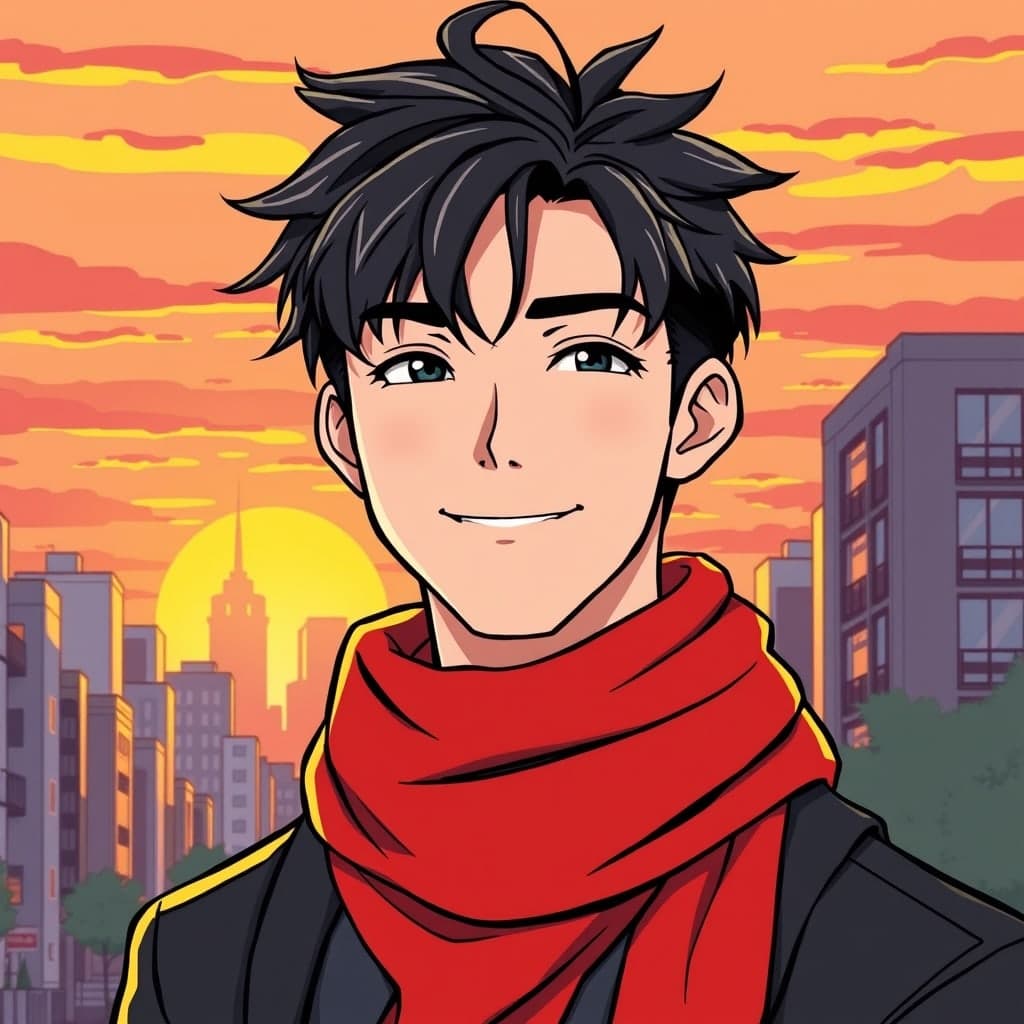
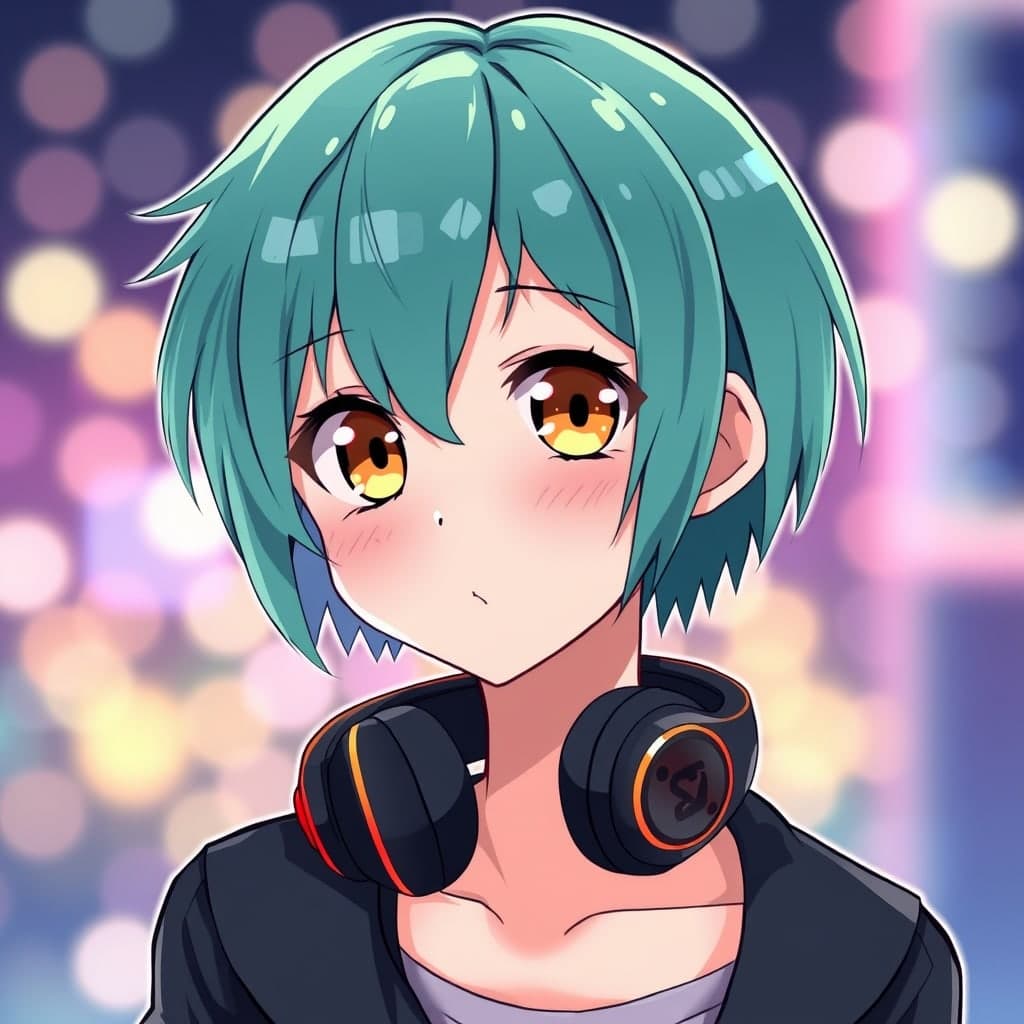
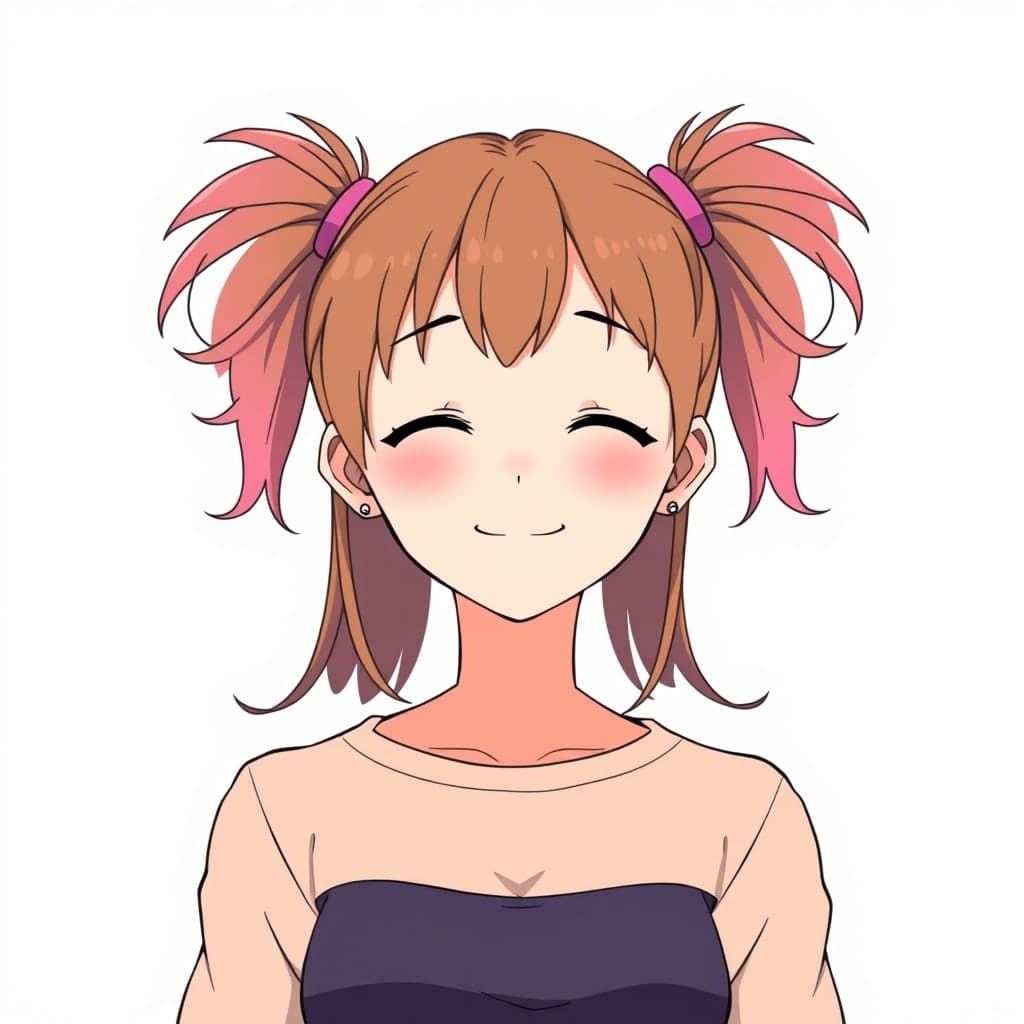
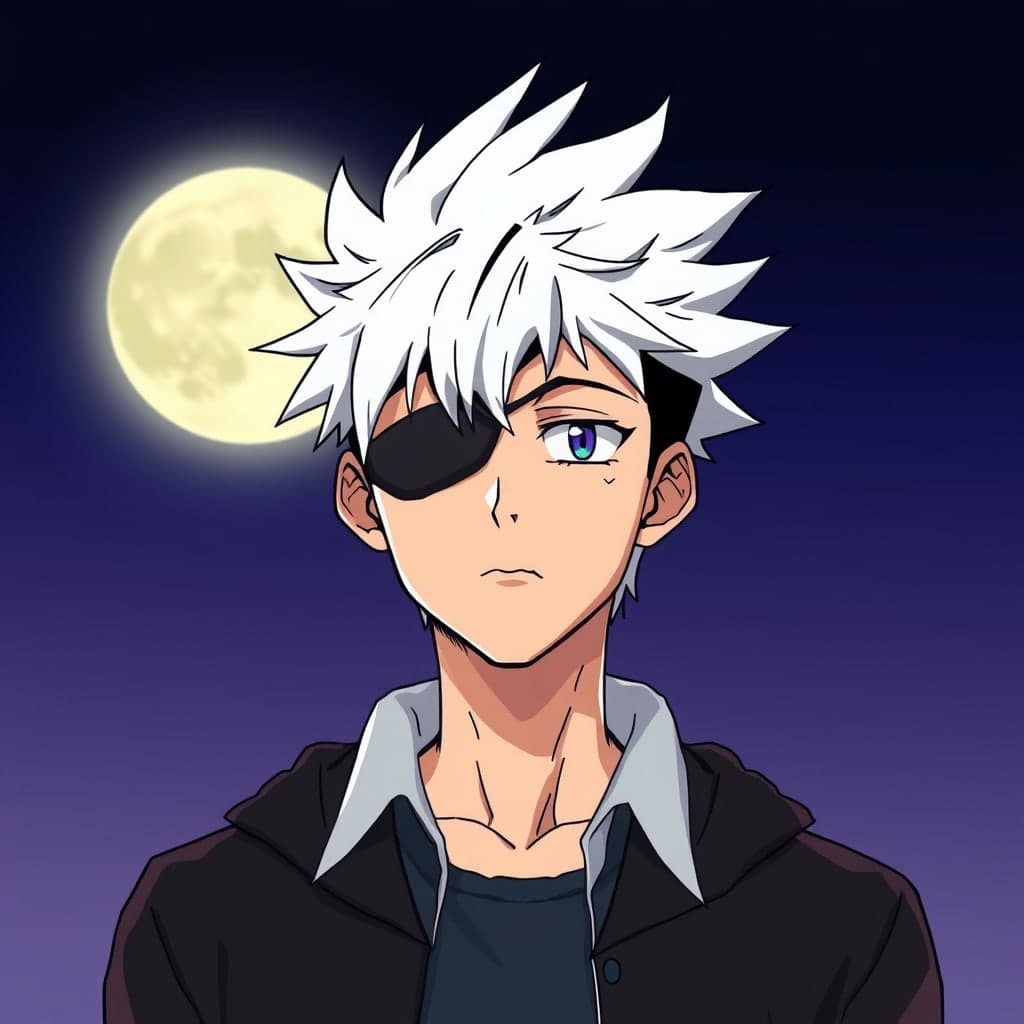
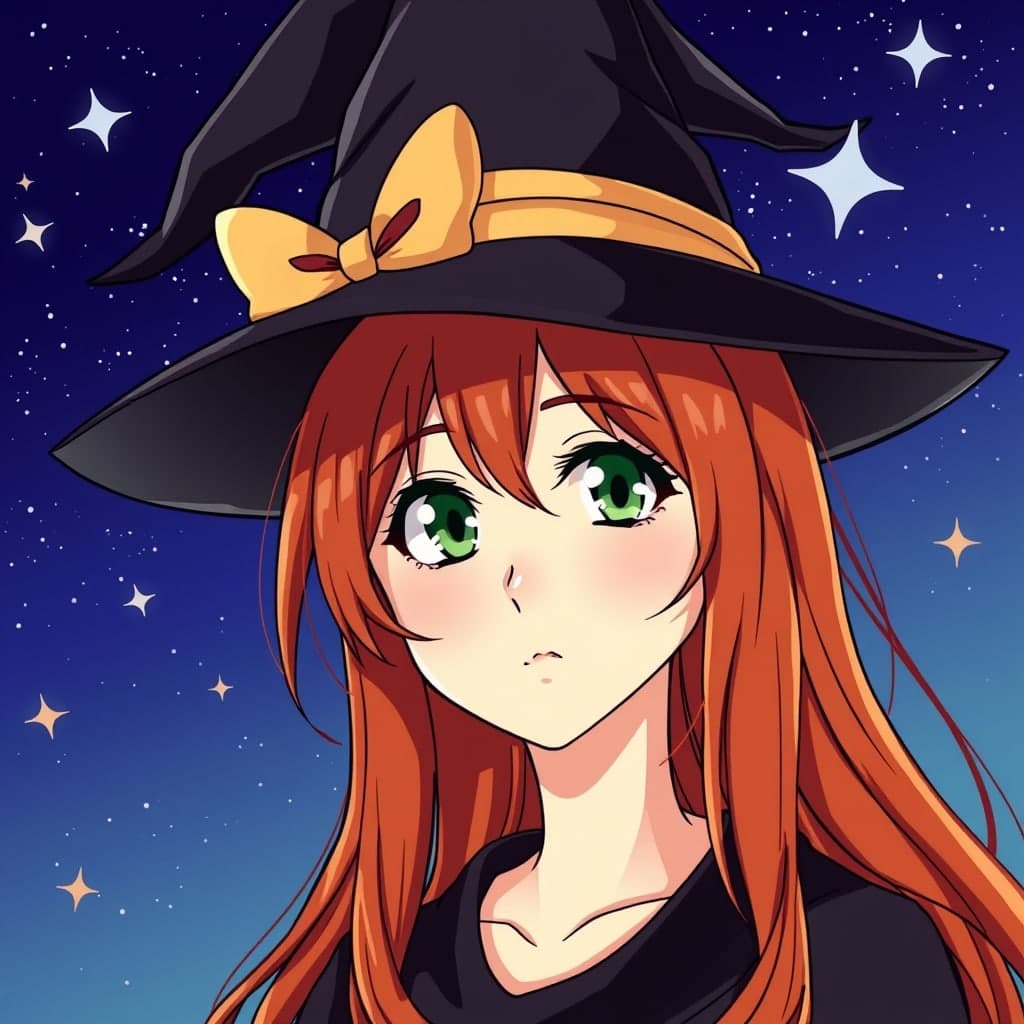
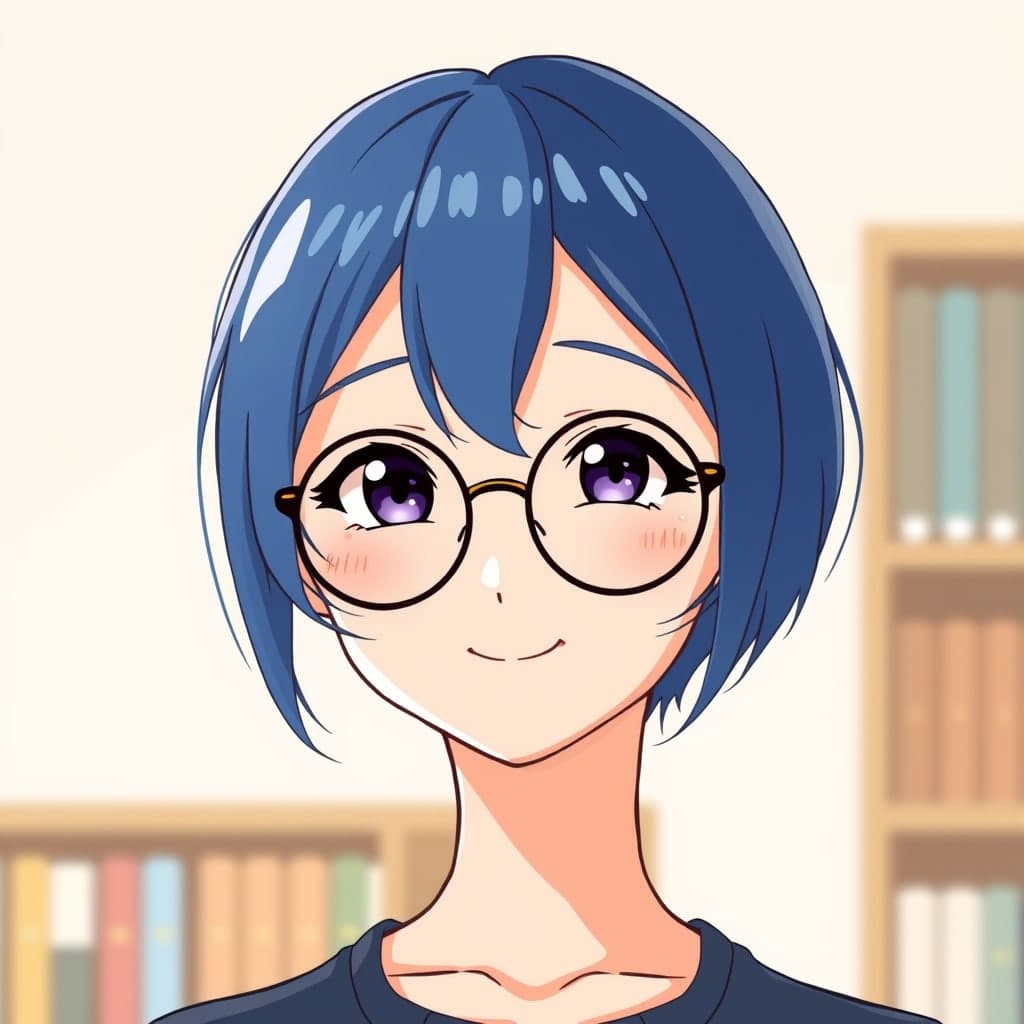
Free Anime PFPs, Ready to Download
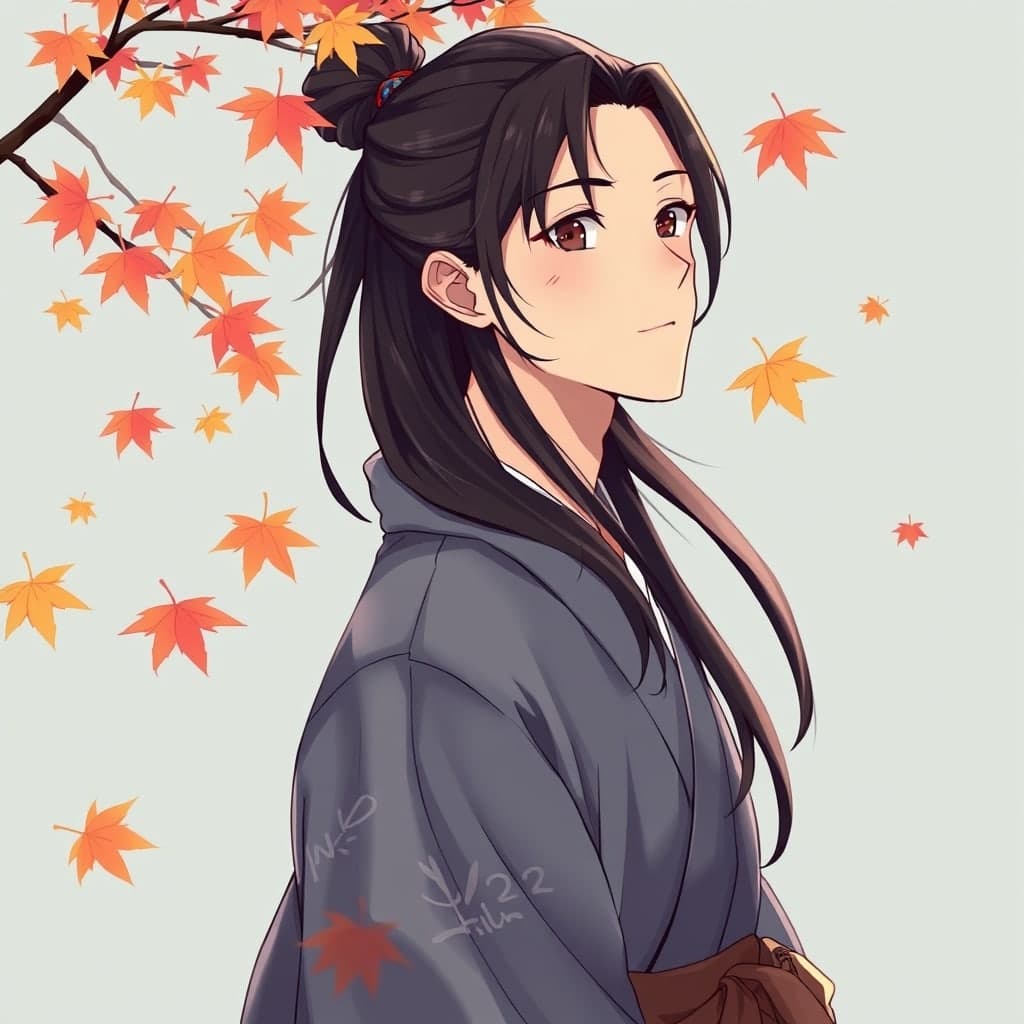
Ready-made avatars you can save straight away, with no account and no AI wait.


Avatar creator
Build an Avatar That Feels Like You
No photo needed. Mix faces, hair, eyes, clothes, accessories and backgrounds. This runs on the real avatar creator, so try it.
Photo editing tools
Polish It Before You Post
Free tools that run in your browser, with no account.
Before and after
See the Transformation
Drag to compare a sample original with a sample stylised version.
Drag the handle, or focus it and use the arrow keys.
Why choose us
One Studio. Everything Your Profile Picture Needs.
- 01
No sign-up needed
Every tool works without an account, and you get a few free AI images every day.
- 02
Easy editing
Crop, recolour, add borders and resize without leaving the site.
- 03
Browser-based tools
Editing and background removal run on your device, so those photos are not uploaded.
- 04
AI styles
Anime, cartoon, 3D, gaming and more, from your photo or a short description.
- 05
Customisable avatars
Build a character from faces, hair, eyes, clothes and accessories.
- 06
High-quality exports
PNG, JPG or WebP at the size your platform wants, and SVG for avatars.
FAQ
Questions, Answered
PFP stands for profile picture: the small image shown next to your name on a social or messaging account.
Social media PFP
Made for the Places You Show Up
Every platform crops differently. Start from a clean, centred portrait.
Discord
Community
Centre the face so a circle crop keeps it.
Make one →Instagram
Social
Clean backgrounds read well at small sizes.
Make one →TikTok
Short video
Bold colour stands out in the feed.
Twitch
Streaming
Neon and gaming styles suit streams.
YouTube
Video
A friendly face builds channel recognition.